New features for July. 2026:
AD/LDAP Connector Registration for Multi-Company Admins:
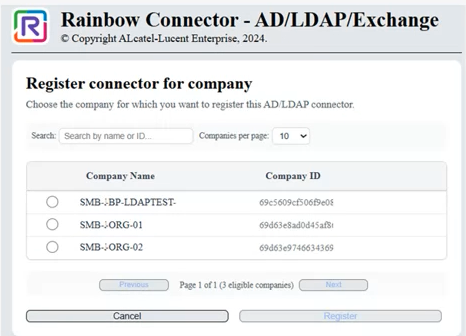
Connector registration is extended beyond company administrators to allow Business Partner and Organization Admins to register AD/LDAP connectors across multiple companies they manage. A new optional company selection step is introduced in the connector UI, and the registration API is updated to accept a companyId while preserving backward compatibility for existing company-admin flows where the company remains inferred automatically.
Call Pickup Allowed in DND State:
Call pickup actions are now permitted even when the targeted user is in Do Not Disturb or equivalent busy states (including Break or external integrations like Teams). This fixes supervision and hybrid scenarios where supervisors must be able to retrieve ongoing calls regardless of the callee’s availability status, without any change to the existing UI behavior.
Custom Dialing Rules for Rainbow Hub:
This feature allows administrators to define custom dialing transformation rules in Rainbow Hub to better match local numbering habits and PBX-specific formats. It improves call reliability by enabling flexible conversion of dialed numbers (e.g. regional formats, internal aliases, emergency numbers), ensuring that user-entered numbers are correctly interpreted and routed to their intended destination.
Mandatory Waiting Room for Shared Bubbles:
Administrators can now enforce the Waiting Room for all shared bubbles across their company. When this policy is enabled, the Waiting Room is automatically activated on existing and future shared bubbles, ensuring secure and controlled access while preventing owners from disabling it.
Rainbow Bar: Quick Actions for Active Conversations:
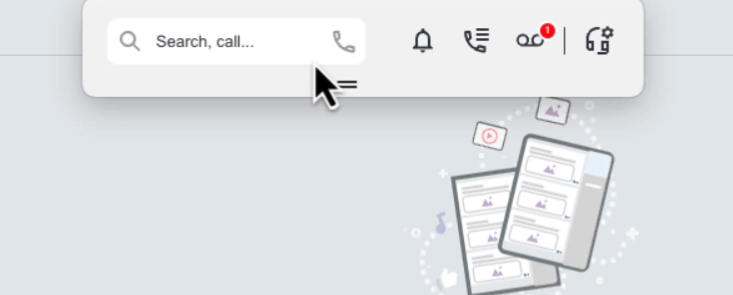
The Rainbow Mini-Bar is now context-aware and displays quick actions whenever a conversation is active, such as ending the conversation or starting/stopping screen sharing. A new setting also allows users to automatically hide the bar when no conversation is active, helping keep the workspace clean and uncluttered.
Delete mention notifications in bulk:
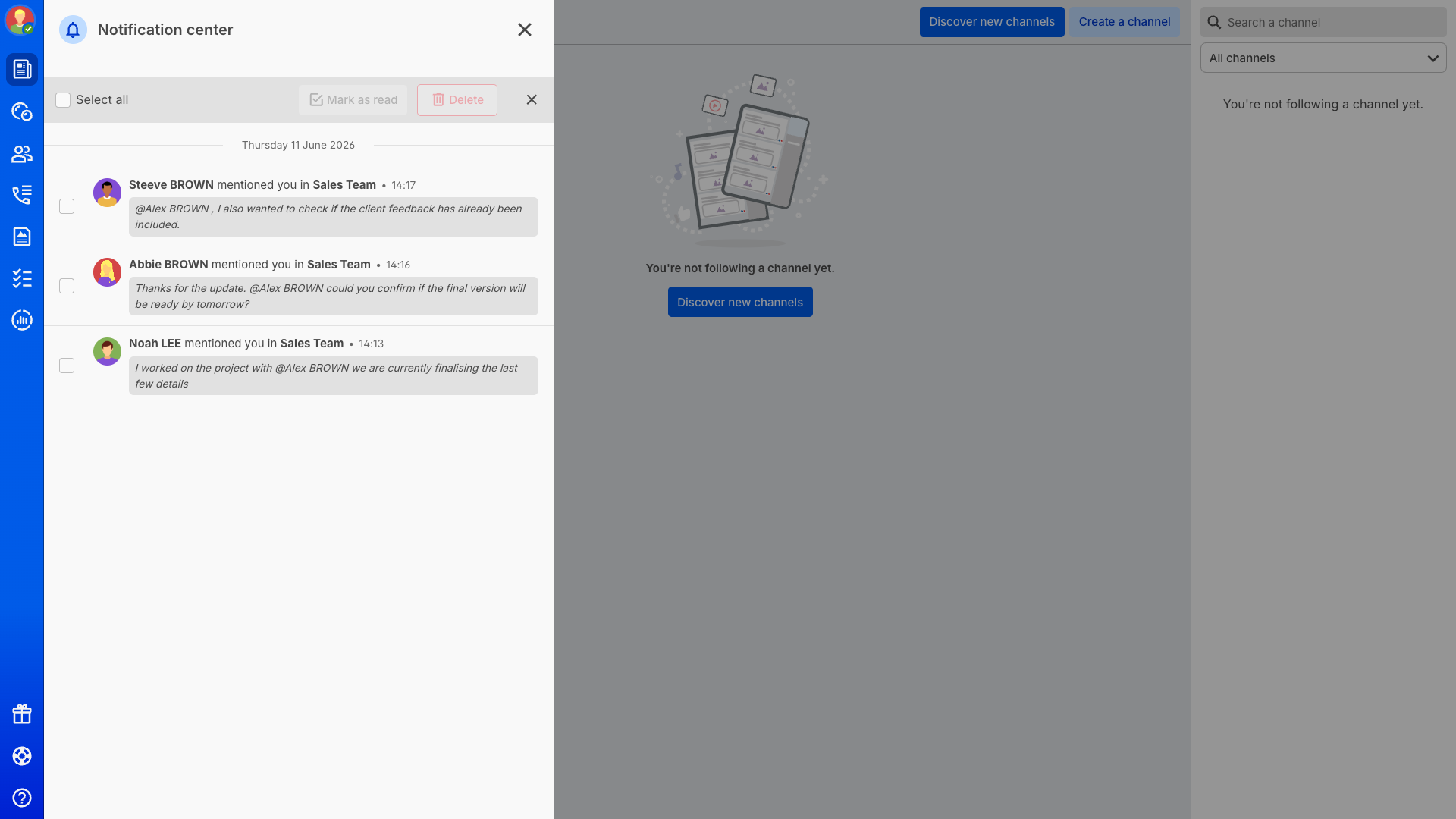
Cleaning up mention notifications is now faster in the Notification Center.
Users can delete all mention notifications in one action, or remove only the mentions that have already been marked as read.
This makes it easier to reduce clutter while keeping unread mentions visible and badge counts in sync.
Embed custom business widgets in Rainbow:
Rainbow now supports a custom widget extension that lets integrators display a business-specific module directly inside the application.
This makes it possible to surface non-Rainbow tools such as internal dashboards, control interfaces, or vertical business actions without forcing users to leave Rainbow.
The widget can expose a custom title, tooltip, optional configuration page, and content returned from a REST service, a local command, or a file.
Rename recordings before or after a meeting:
Conference recordings can now be renamed before recording starts or after the recording has ended.
Users can define a default recording name, adjust it when launching a recording, or rename the final file later from the recordings list or recap view.
This gives teams a clearer way to organize recordings, especially when several sessions are recorded from the same bubble.

See your status indicator in the mobile top bar:
Rainbow now displays the emoji from your status message directly in the mobile top bar, next to your avatar.This lightweight indicator makes it easier to check your current personal status at a glance without opening a dedicated menu.Tapping the indicator reveals the full status message when more context is needed.
Create custom AI prompts for meeting summaries:
Administrators can now create and manage custom prompts for AI-generated meeting transcriptions and summaries.Up to five prompts can be defined per company to support different use cases such as sales reviews, project follow-ups, or executive meetings.Users can then choose the most relevant prompt to generate a summary that better matches the context of the conversation.